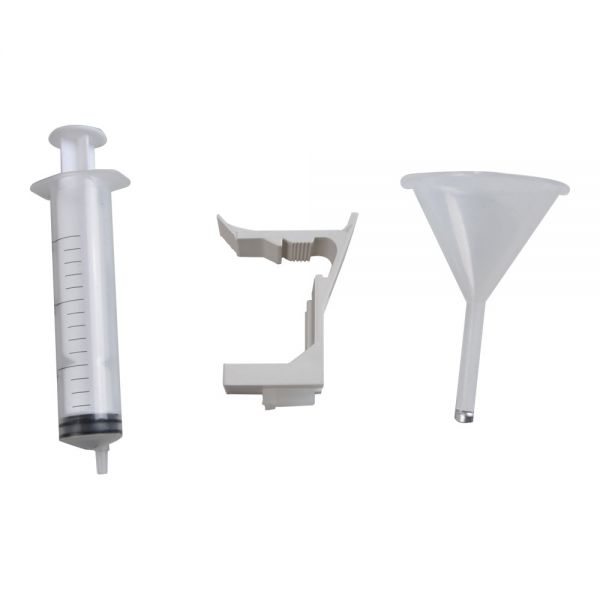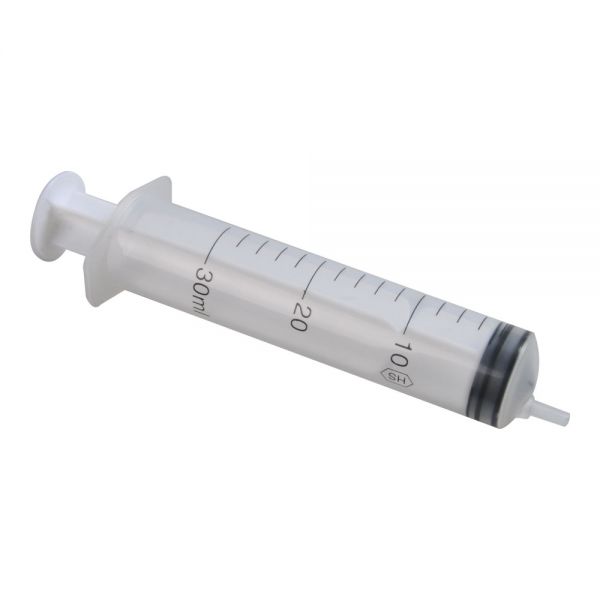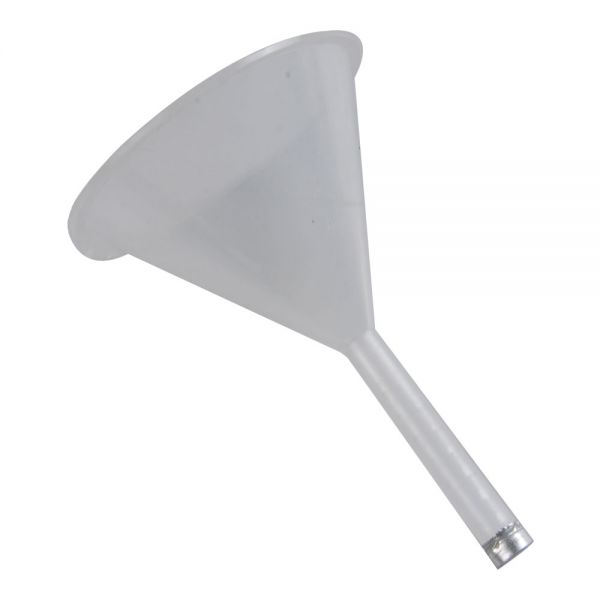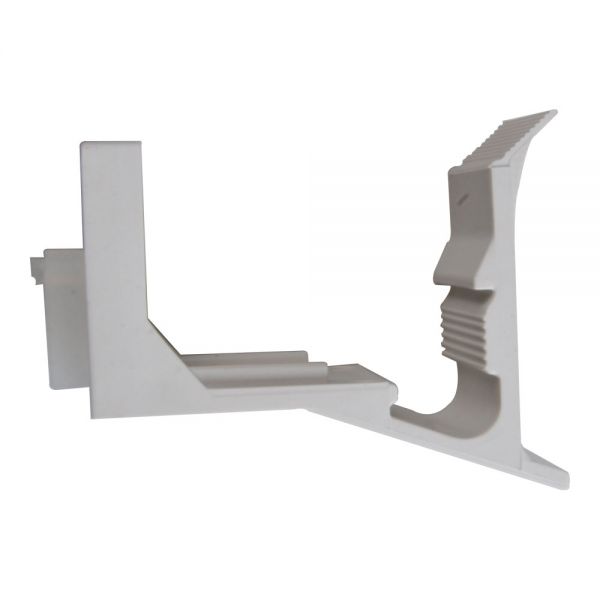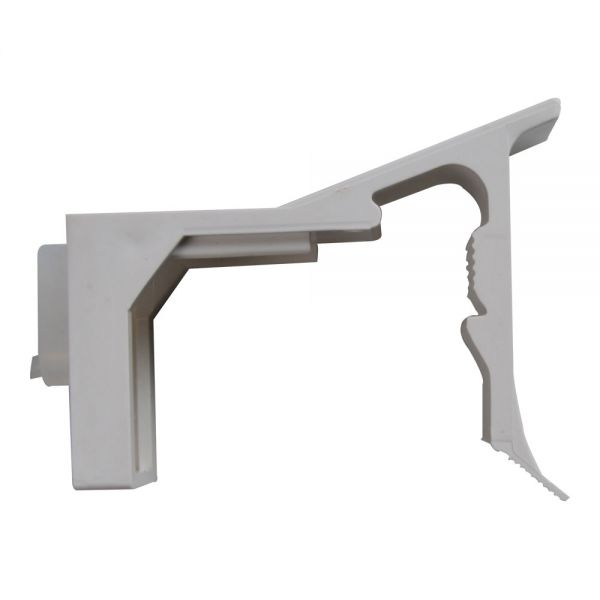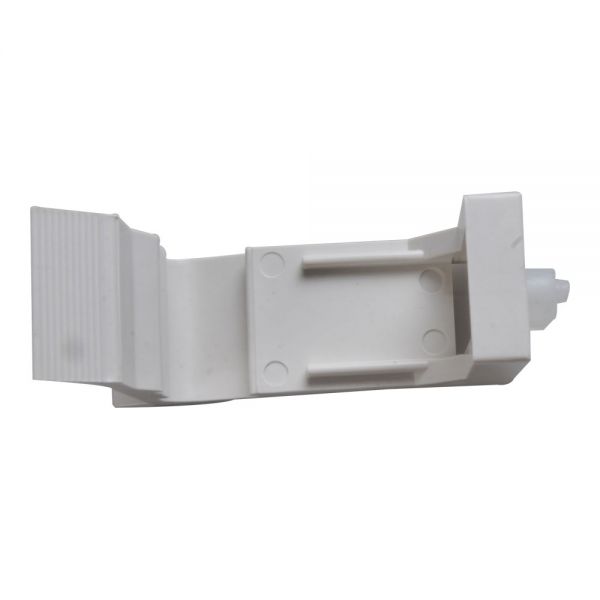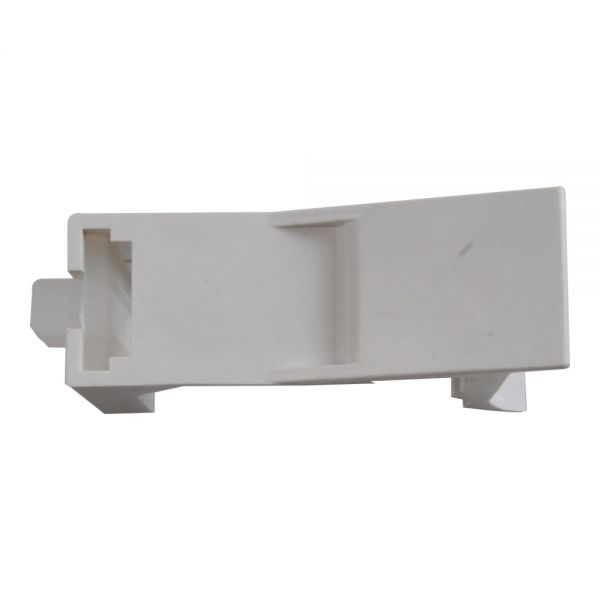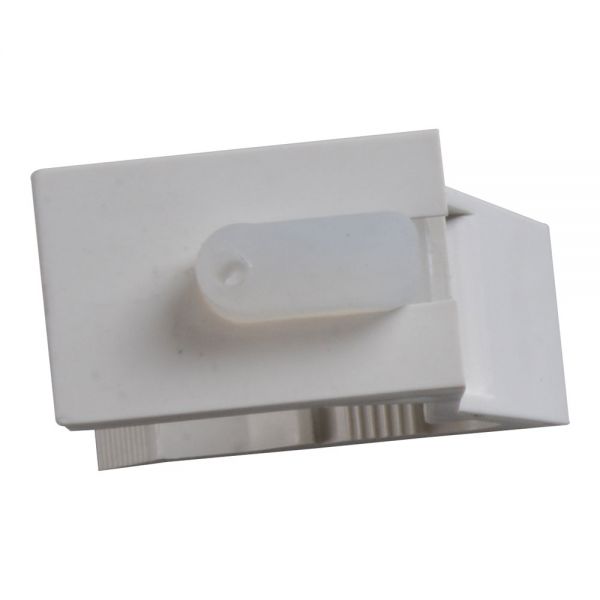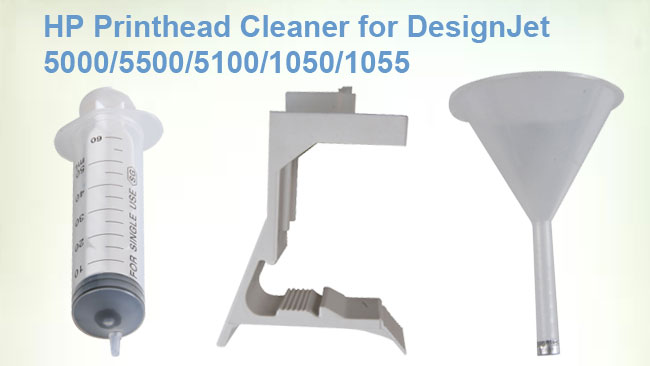

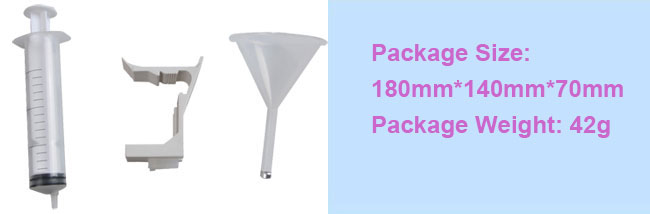
HP Printhead Cleaning Kit for DesignJet 5000 / 5500 / 5100 / 1050 / 1055 / 1050c / 1055cm
Printer Compatibility: HP DesignJet 5000 / 5500 / 5100 / 1050 / 1055 / 1050c / 1055cm
Manufacturer: Ving Parts
Description: It's safe and simple to use! Couldn't get an easier and effective solution!
So safe to use, it may be used for maintenance. No need to wait for a clog to ruin your print job, practice prevention!


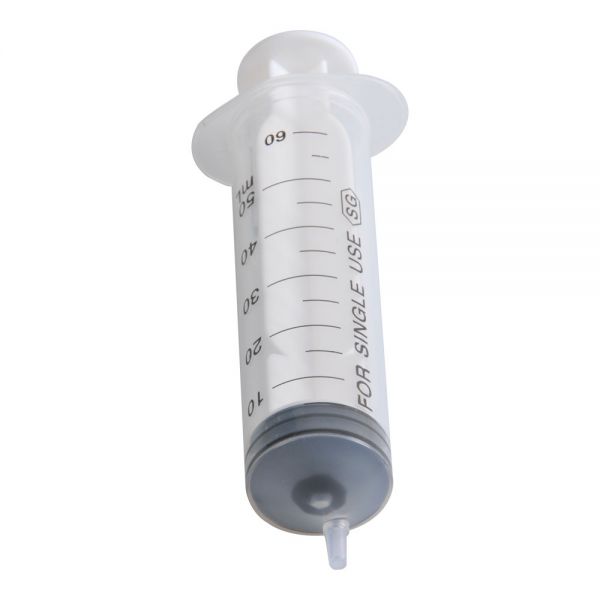
HP5X00/130/100 series printers clean syringe usage
When do you need to clean the print head?
1. Actually, if your print head cannot print normally, and influence the quality, you need to use the syringe clean the head.
2. If the ink in the cartridge has been print out, you also need the syringe to repair.
Instruction as follows:
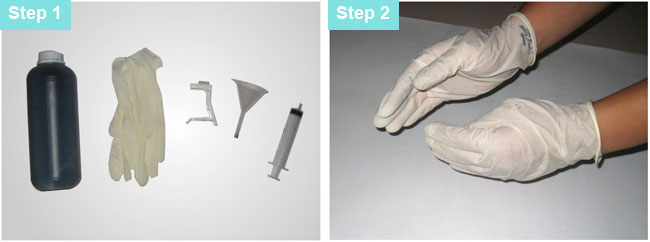
| Prepare the tools. |
|
|
Put the gloves on, avoid contact with ink. |
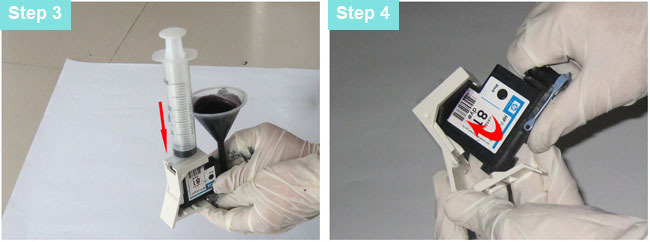
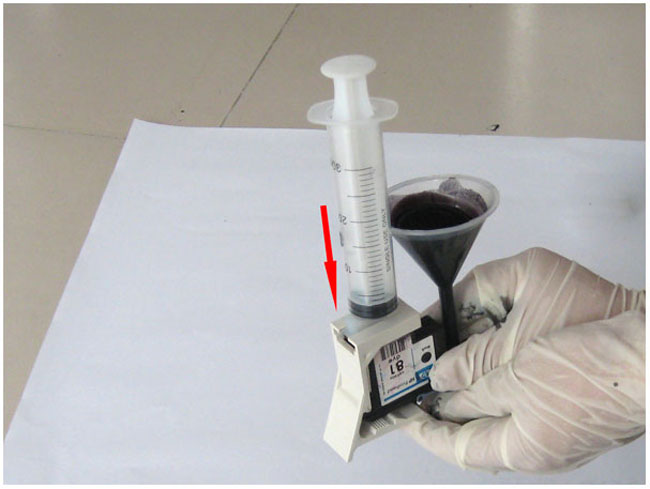
| Put the head into the syringe as the arrow pointed. |
Put the print head into the position as the arrow pointed. |
| Installed. |
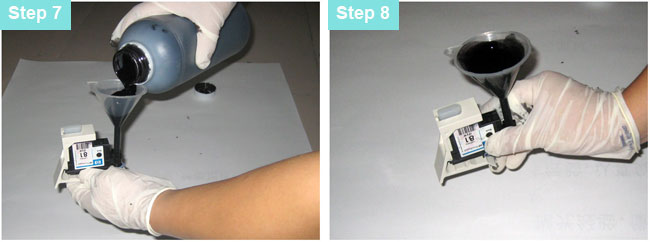
Put the funnel in to the needle of the print head. |
|
Open the correspond ink bottle, and put the ink into the funnel.
|
You should notice the volume, around 20ML is best,be careful avoid shake the ink out.
|
| |
|
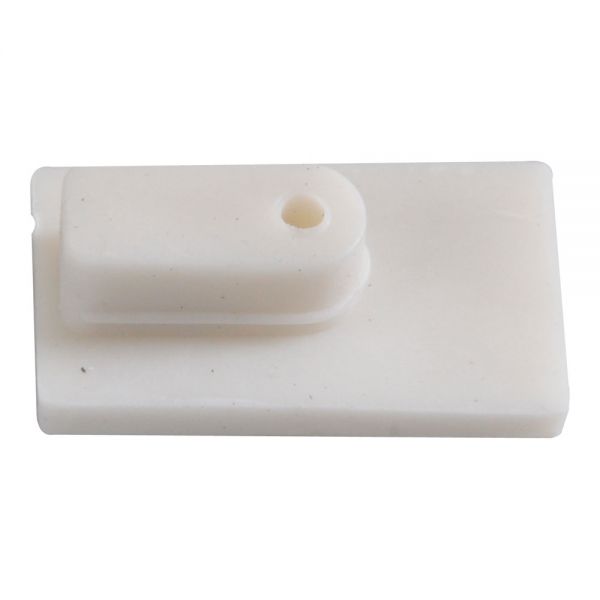
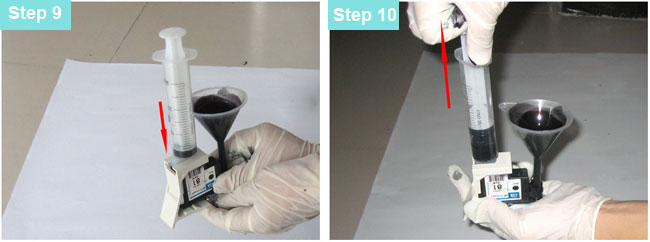
Put the syringe into the silica hole. |
|
|
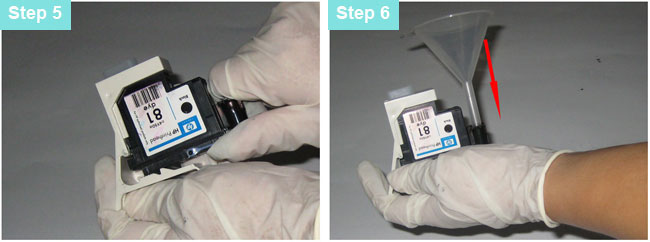
Pull the syringe, the ink will injected into the print head, the ink and air in the printhead injected into the syringe. |
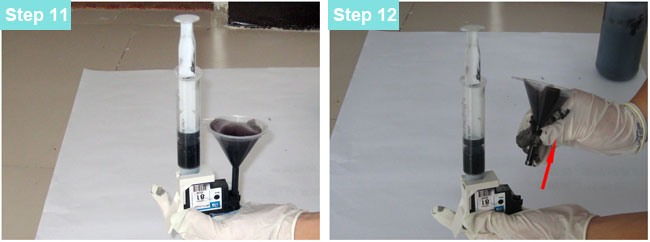
| When the ink in the funnel is almost out, relax the syringe, and standing it for 30 seconds. In order to balance the pressure. |
Pull the funnel out, and put ink back to the ink bottle. |
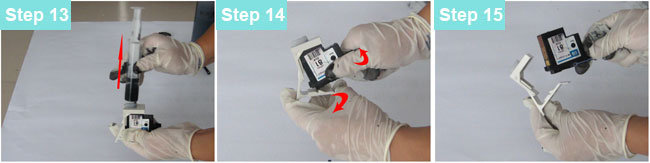
| Pull out the syringe, the ink inside can not be used again. |
Take the printhead out as the picture shows. |
Clean the printhead, ( especially the contact point) then it can be used again. |


Quality Report: